Book enough chair time for color.
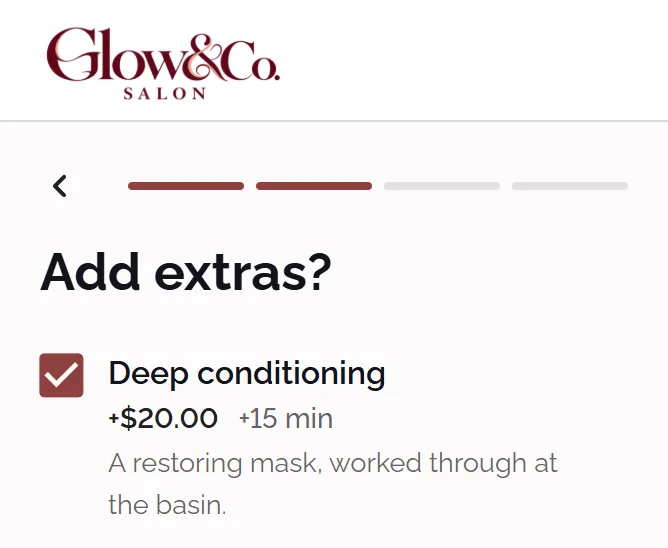
Set how long each service and add-on takes. In this example, deep conditioning holds the stylist and chair for 15 minutes longer.
Add-ons are on Starter and Pro. Stations are on Pro.
Example: Glow & Co. Salon
Color appointments and chair availability.
Time for extras and cleanup
Give an optional add-on its own price and length. Add cleanup time after color so the next client can’t book into it.
Add-onsChairs for the services that need them
Link stations to the services that use them. Clients can book those services only when a chair and a stylist are both free.
Stations and roomsNo-shows on long visits
Collect a deposit or the full price when a client books a long color appointment. Deposits are on Starter and Pro.
Deposits
Clients want their stylist.
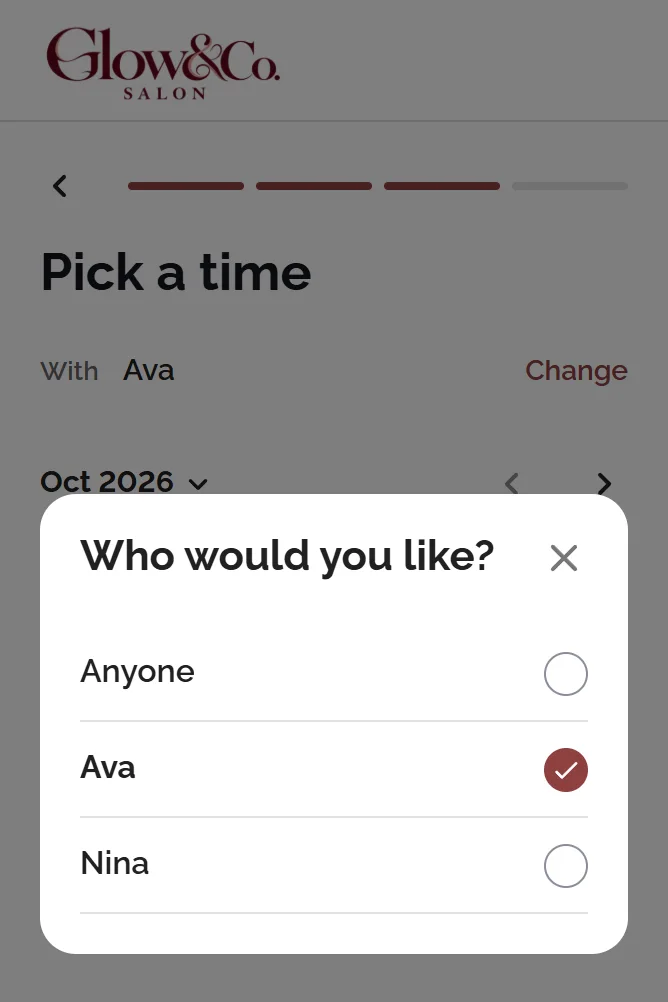
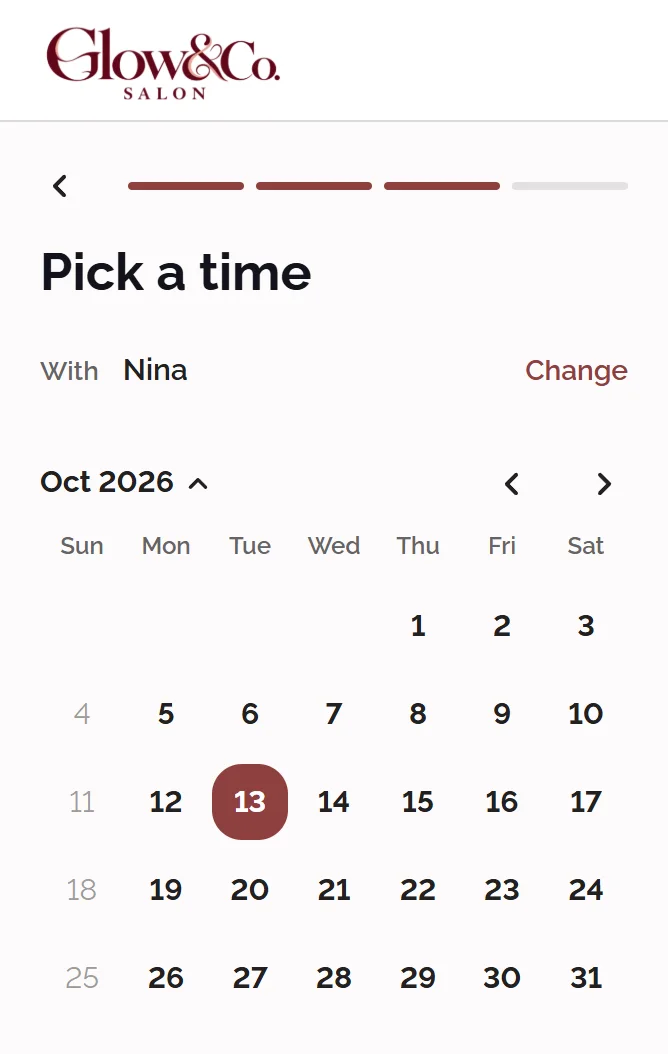
Let clients book their stylist by name, or choose Anyone for whoever is free. Each stylist keeps their own hours and services.
How Glow & Co. would set it up.
- Services
- Full Color2 hr · $140
- Color add-on
- Deep conditioning (+$20, +15 min)
- Stations
- Styling Station 1 and Styling Station 2, linked to every service
- Plan
- Pro for two bookable people
Questions.
Yes. Turn on approval to review every request from your booking page. No one else can book the requested time while you decide.
Yes. Ask about their last color service or the date of a patch test. You can read their answers on the booking.
- Payments through your own Stripe or Square
- Export client records to CSV
- Security and data