A booking page your clients will recognize.
Clients choose a service and an available time from their phone. Make the page yours with your own logo, colors, and fonts.
Your logo, colors, fonts, and layout are on Starter and Pro.
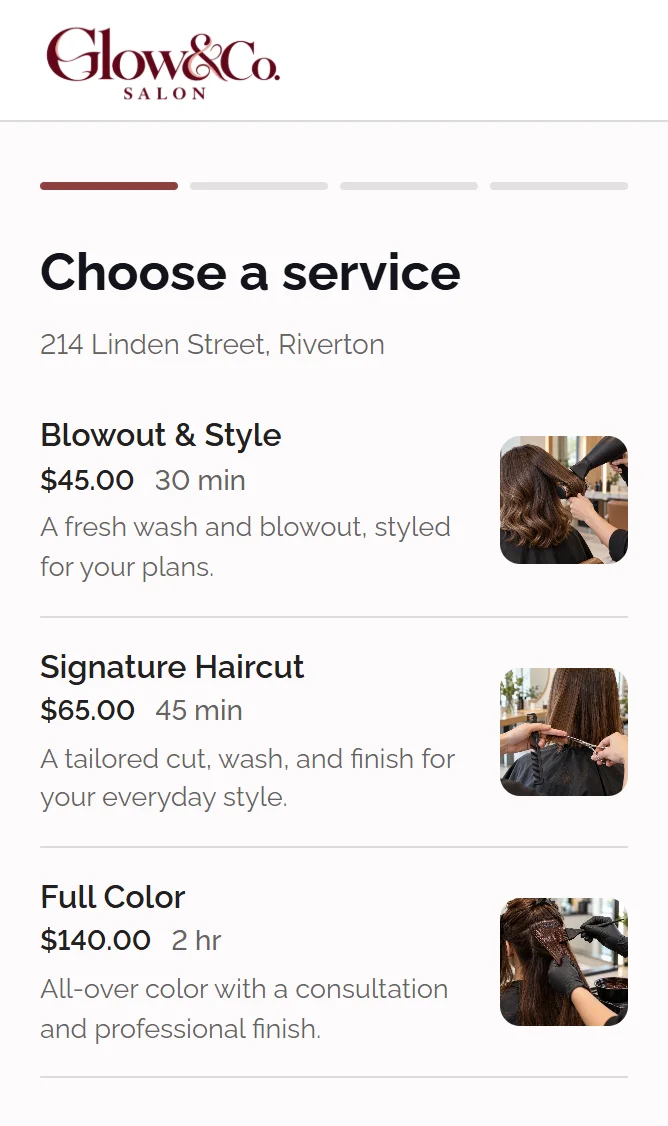
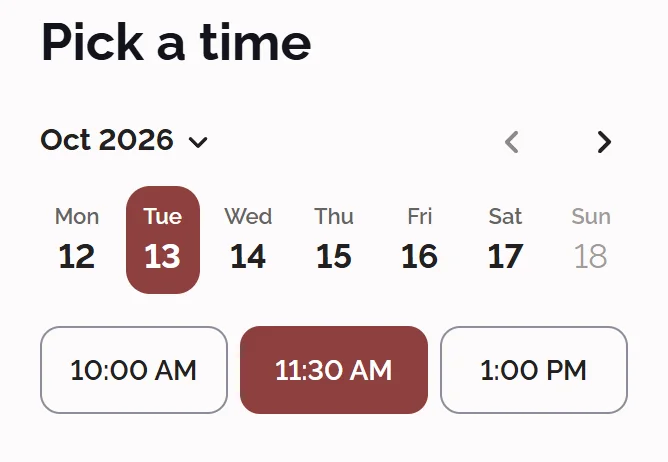
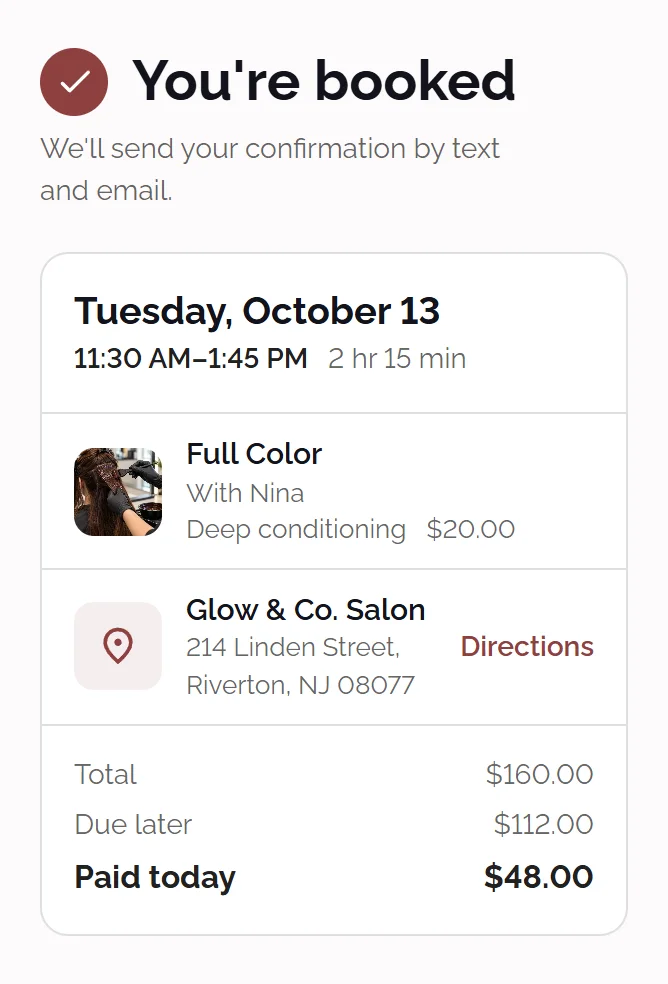
Clients know what they’re booking.
What they’re booking
Clients can check the appointment details and what’s due before they confirm.
Text or email
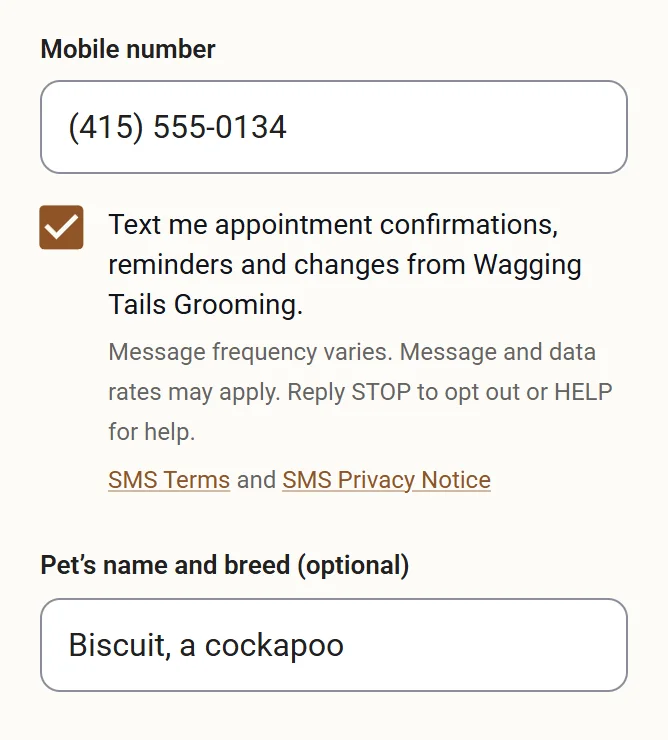
If you can send texts, clients tick one box to agree to appointment texts. Ticked, their preference is text; unticked, it’s email. You can use that preference when choosing how to reach them.
Answers to your questions
Ask what you need before the visit. You’ll see the answers on the booking.
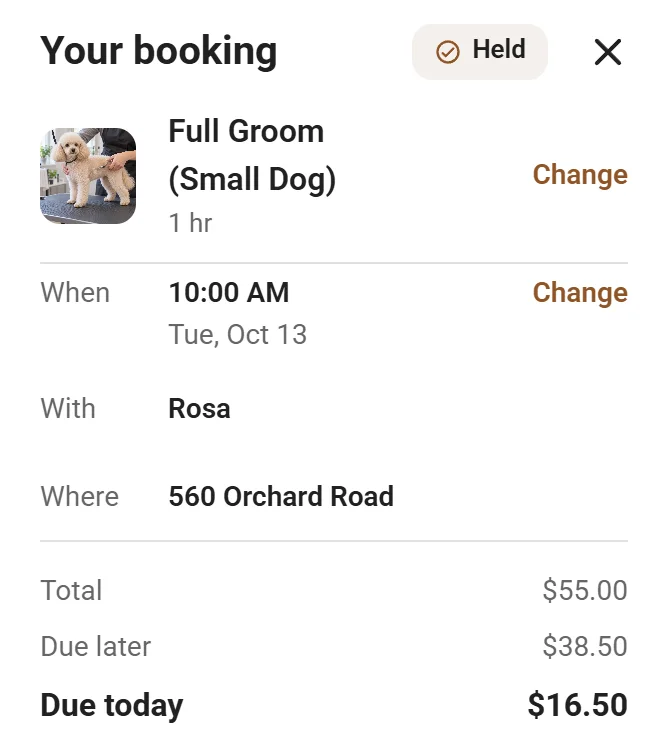
Clients can manage their own bookings.
Clients can reschedule or cancel from their confirmation. You decide when a cancellation counts as late and whether clients can still cancel online or need to contact you.
Set late cancellation and no-show fees on Starter and Pro.
Your clients need no app and no account.
Put your booking link on your website, Instagram, or Google profile. Clients book in their browser.