Detailing at your shop or in their driveway.
Let clients book at your shop or at their address. Ask for their vehicle details when they book, and reserve a bay for shop work that needs one.
Bays are on Pro.
Example: Apex Auto Detailing
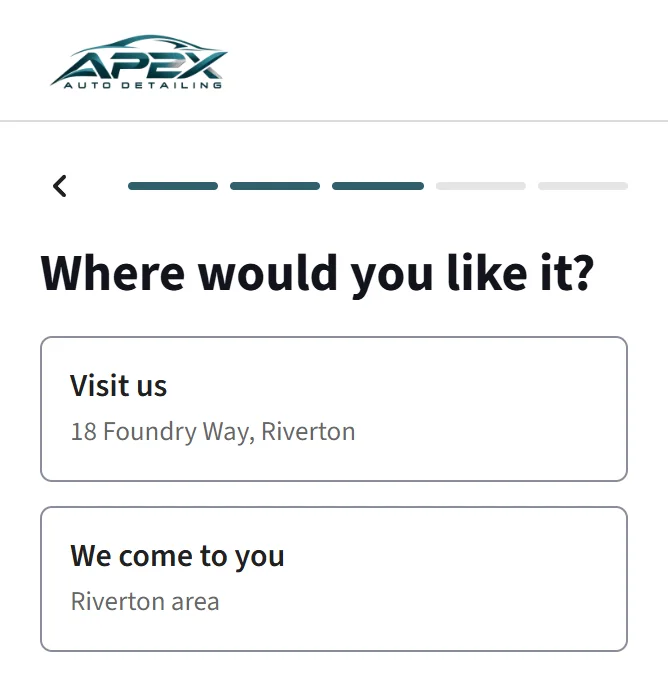
Shop and mobile detailing appointments.
Choose where you offer each service
Keep jobs that need shop equipment at the shop. Offer other services at the client’s address or in either place.
The booking pageBays for shop visits
Link a bay to a service and clients can book it at the shop only when a bay is free. Mobile visits reserve the detailer’s time.
Bays and equipmentThe no-show after a drive
Collect part or all of the price when clients book and choose how far ahead to remind them. Deposits are on Starter and Pro.
DepositsReplies in one place
Use Starter or Pro to answer client texts and emails from the same inbox, including replies to text reminders.
Messages
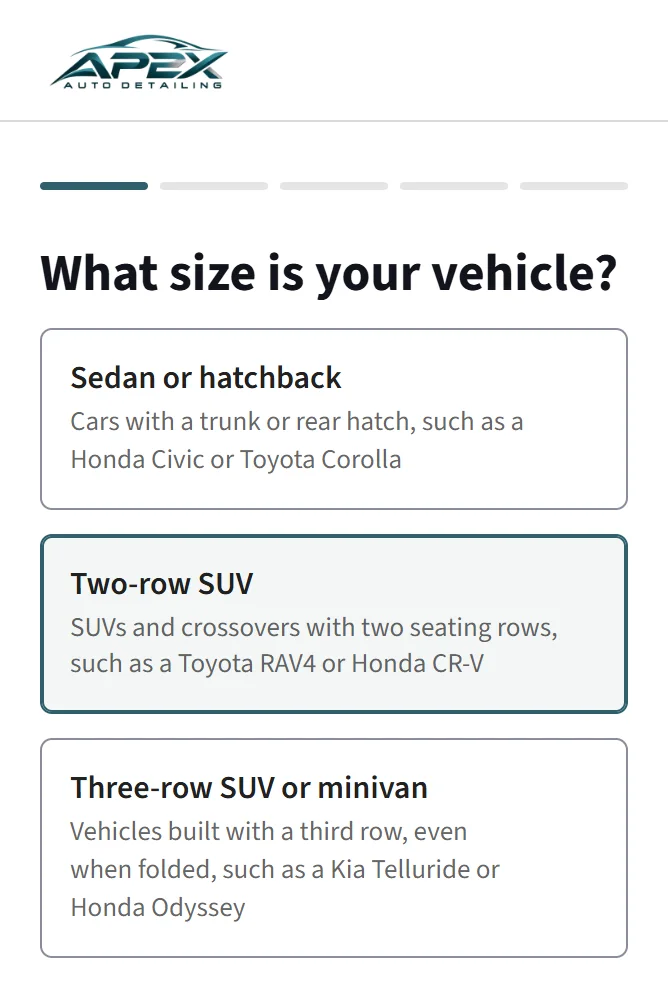
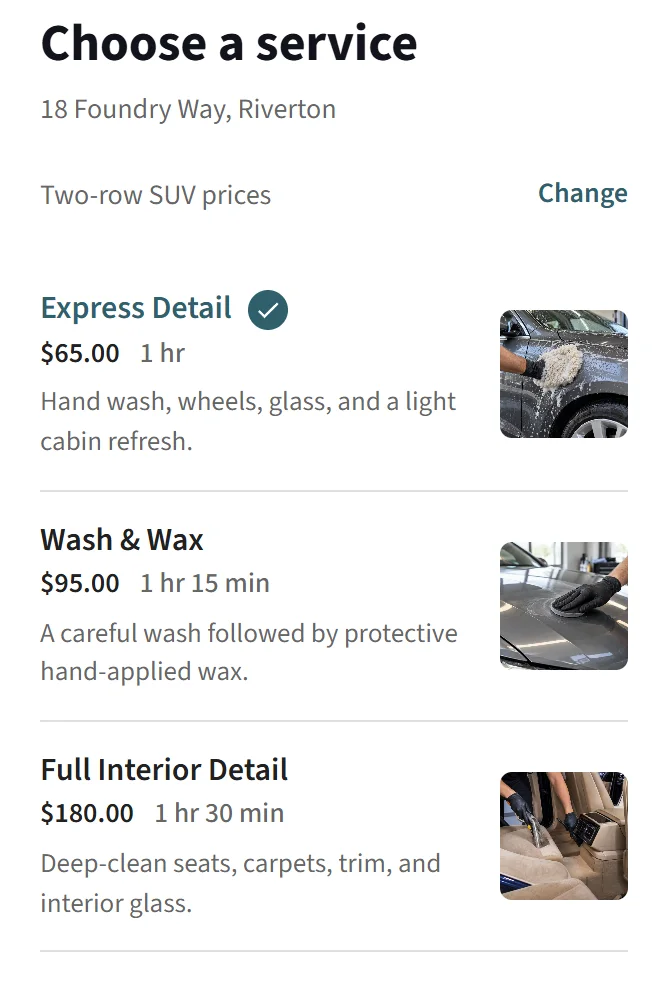
A price for each vehicle size.
Set your vehicle sizes, then price each service by size, with more time where a bigger vehicle needs it. Clients choose their size before a time.
Vehicle details up front
Ask for the vehicle details you need: year, make, and model, plus trim, color, plate, or VIN if you want them. Add your own questions too.
Booking questionsPhotos before and after
Turn on Vehicle services to keep each client’s vehicles, and attach inspection photos to the client, a quote, or an appointment. You choose which inspections a quote shares with the client.
Inspections
A day of mobile visits.
See each detailer’s stops, drive times, and directions on Starter and Pro. Turn on drive time checks so clients only see times you can reach.
How Apex would set it up.
- Visits
- Visit us · We come to you
- Bays
- Detail Bay 1 and Detail Bay 2, booked for shop visits
Questions.
Yes. Send the work and price for the client to approve, and they choose a time once it’s approved.
- Payments through your own Stripe or Square
- Export client records to CSV
- Security and data