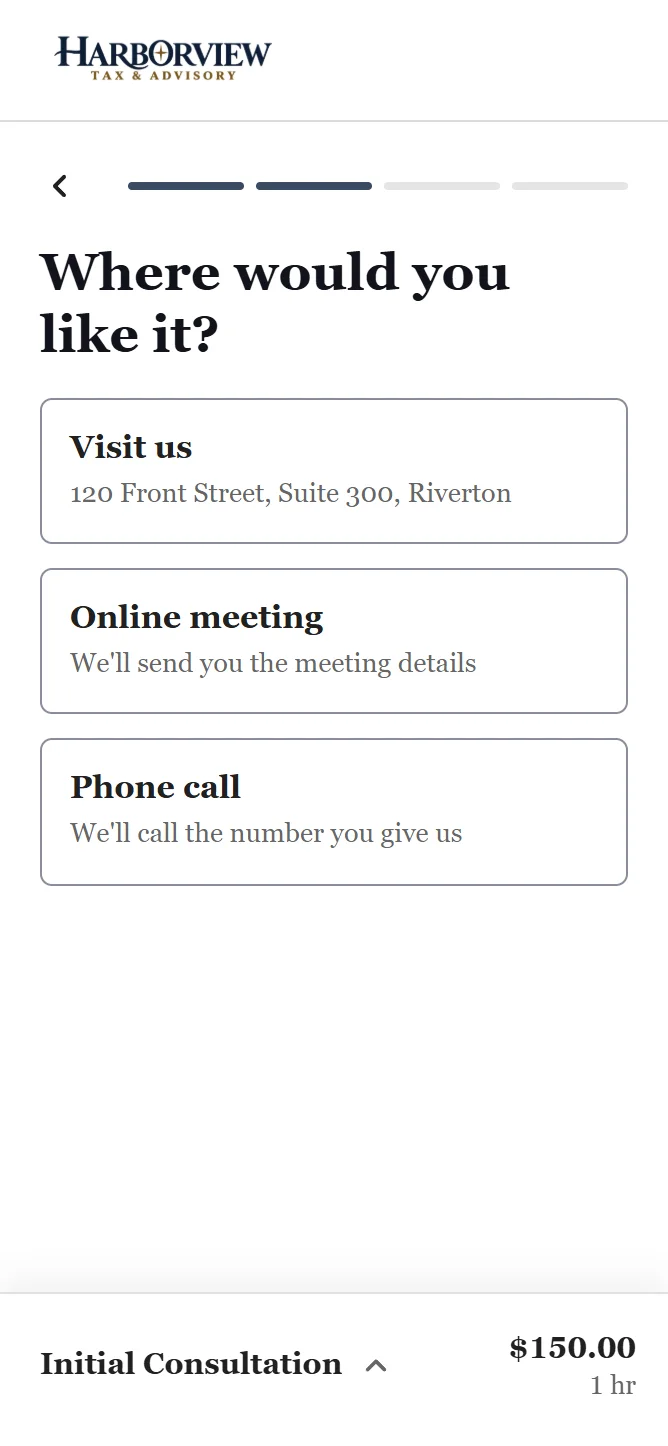
Consultations in person, online, or by phone.
Clients choose how to meet and tell you what they want to cover. For online meetings, their confirmation includes your own video link and joining steps.
Example: Harborview Tax & Advisory
Client intake, consultations, and invoices.
Set meeting options by service
Offer a tax review at your office or online. Make a quick follow-up available by phone.
The booking pageBilling afterwards
When the work is done, send an invoice from the appointment and see what’s still due. With online payments set up, you can send a link to pay.
Invoices and payment links
Intake before the first meeting.
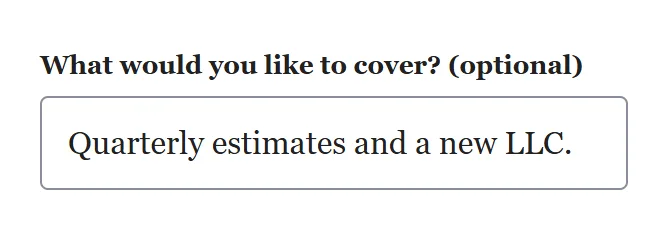
Ask what they want to cover, whether it’s a new LLC, quarterly estimates, or a late return. Their answers come with the request, so you prepare instead of asking twice.
Every request, your call
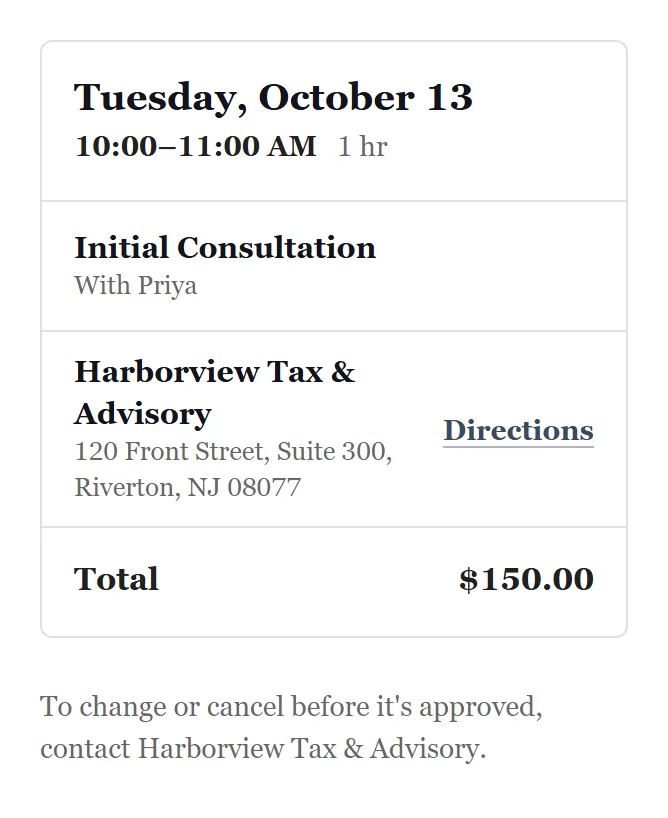
Turn on approval to review booking requests before you confirm them. While a request waits for you, no one else can book that time.
Approvals
How Harborview would set it up.
- Ways to meet
- Visit us · Online meeting · Phone call
- Approval
- Confirm booking requests yourself
- Payment
- Pay at visit
- Plan
- Starter for two bookable people
Questions.
Yes. Businesses in the United States on Starter or Pro can connect Zoom and choose it for online appointments; each host connects their own Zoom account. You can also use your own meeting link and joining steps.
Yes, on Starter and Pro: take a deposit or the full fee at booking, one setting for every paid service. Or leave it off, as Harborview does, and bill after the meeting.
Yes, on Starter and Pro. Connect your Microsoft calendar and turn on busy-time blocking so clients can’t book over existing meetings. Google Calendar works the same way.
- Payments through your own Stripe or Square
- Export client records to CSV
- Security and data